Looking to generate 100k+ organic views a day without paying for ads? Check out our new deep dive: The Ultimate TikTok Organic Phone Farm Setup.
Introduction: What is a Phone Farm?
A phone farm is a collection of physical smartphones configured to run automated tasks simultaneously. In the context of Instagram automation, a phone farm allows operators to manage multiple accounts across real devices, each with authentic hardware fingerprints and genuine mobile connections.
Unlike cloud-based bots or browser automation tools, phone farms use actual Android devices. This means every action—every like, follow, comment, and DM—originates from a real phone with a real device signature that Instagram recognizes as legitimate.
The concept isn't new. Phone farms have been used for everything from app install campaigns to click fraud. But in 2026, they've become the gold standard for Instagram automation because they're the only method that consistently evades detection.
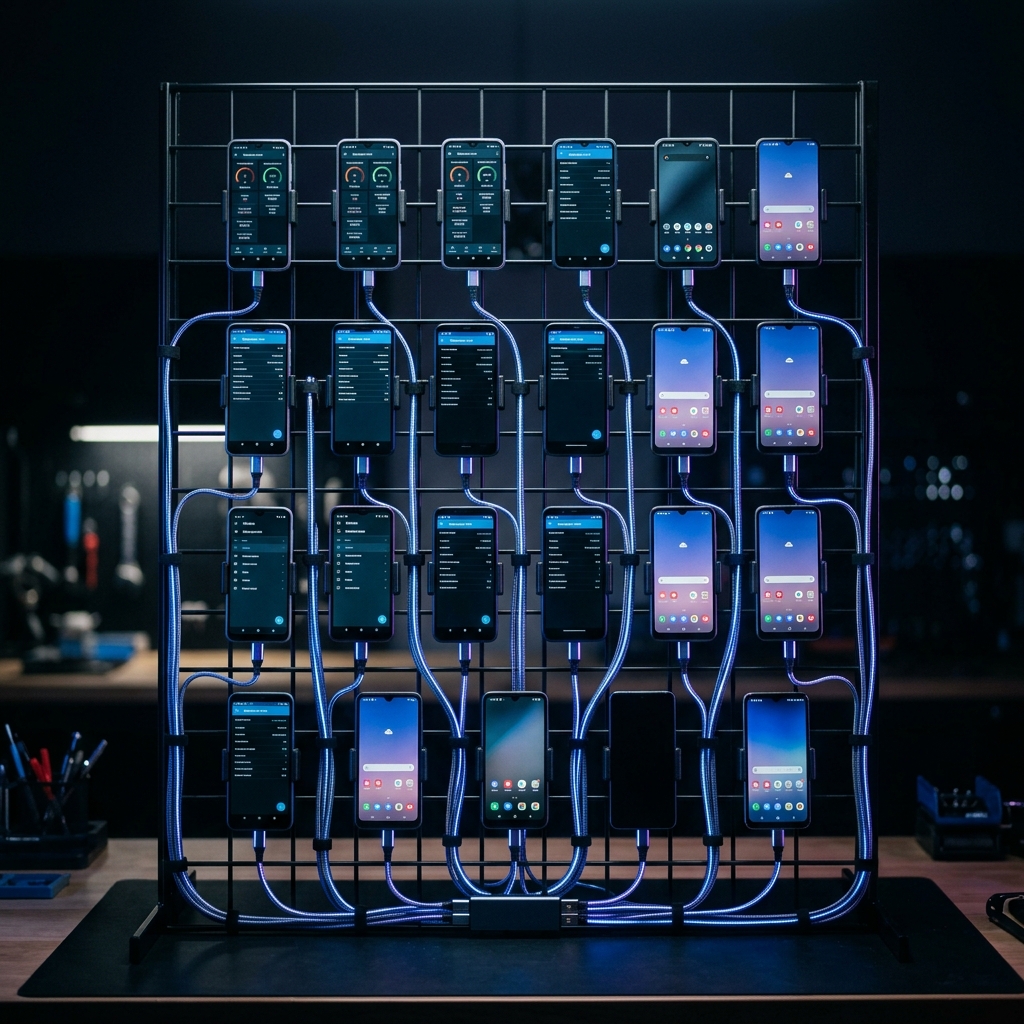
A professional phone farm setup with 20+ devices, proper cable management, and cooling infrastructure.
Phone Farm: A physical infrastructure of multiple smartphones (typically 5-100+) connected to power and network, running automation software to perform tasks across multiple social media accounts simultaneously.
Who Uses Phone Farms?
- Theme Page Networks: Operators running 10-100+ niche pages for monetization
- Growth Agencies: Managing Instagram growth for paying clients at scale
- Streamers & Creators: Distributing content clips across multiple accounts
- E-commerce Brands: Building audiences across product verticals
Why Phone Farms Beat Cloud Bots
Instagram's detection systems in 2026 are sophisticated. They analyze over 150 behavioral and technical signals to identify automated activity. Cloud-based solutions fail for fundamental reasons:
| Factor | Phone Farm | Cloud Bot |
|---|---|---|
| Device Fingerprint | Real hardware signature | Spoofed/emulated |
| IP Address | Residential/mobile | Datacenter (flagged) |
| Touch Patterns | Natural simulation | API calls (no touch) |
| Detection Rate | <1% ban rate | 40-60% ban rate |
| Scalability | Hardware limited | Unlimited (but useless) |
Every cloud bot vendor claims they're "undetectable." Our testing shows otherwise: 40-60% of accounts using cloud automation get banned within 30 days. Phone farms maintain a 99%+ survival rate when operated correctly.
Hardware Selection: Best Phones for Automation
Not all phones are equal for automation. You need devices that balance cost, reliability, and compatibility with automation software. For a detailed comparison with benchmark data, see our best phones for Instagram automation buyer's guide. Here's our tested ranking:
Tier 1: Best Value
| Device | Price (Used) | RAM | Rating | Notes |
|---|---|---|---|---|
| Google Pixel 4a | $80-120 | 6GB | ★★★★★ | Best overall, excellent automation support |
| Google Pixel 5 | $120-180 | 8GB | ★★★★★ | Faster, 5G, GrapheneOS compatible |
| Google Pixel 6 | $150-220 | 8GB | ★★★★☆ | More RAM, longer support |
| Samsung Galaxy A52 | $100-150 | 6GB | ★★★★☆ | Reliable, common fingerprint |
Budget Options (Under $80)
- BLU G91 Pro ($50-70) - Basic but functional
- Alcatel 3X ($40-60) - Cheapest viable option
- Moto G Power ($60-80) - Great battery life
For maximum security and profile isolation, flash GrapheneOS on Pixel devices. It allows running multiple isolated Android profiles on a single device—effectively turning one Pixel into 5+ "virtual phones" with completely separate fingerprints.
Where to Buy
- eBay: Best for bulk purchases, negotiate lots of 10+
- Swappa: Verified condition, slightly higher prices
- Facebook Marketplace: Local deals, inspect before buying
- Back Market: Refurbished with warranty
Network Setup: WiFi, Mobile Data & Proxies
Network configuration is critical. Instagram tracks IP addresses and can detect when multiple accounts share the same connection. Here are your options:
Option 1: Home WiFi (Small Scale)
For 1-5 accounts, home WiFi is sufficient. Instagram allows multiple accounts per household. Beyond 5, you risk triggering IP-based flags.
- Free (existing internet)
- Simple setup
- Limited to 3-5 accounts safely
Option 2: Mobile Data (SIM Cards)
Each phone gets its own SIM card with mobile data. This provides unique residential IPs and is the most natural setup.
| Provider | Plan | Cost/Month | Best For |
|---|---|---|---|
| Mint Mobile | 4GB | $15 | Budget operations |
| Visible | Unlimited | $25 | Heavy automation |
| Google Fi | Flexible | $20-30 | Variable usage |
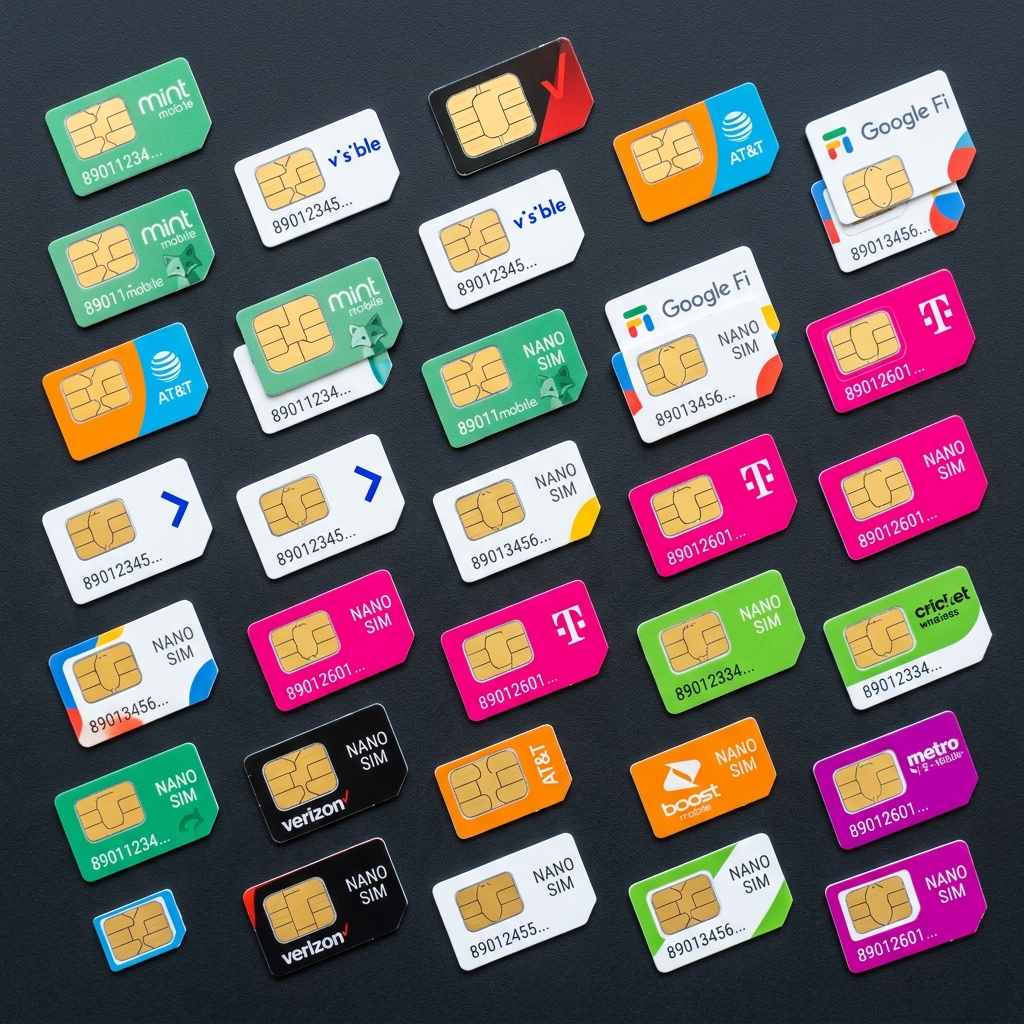
Various MVNO SIM cards provide cost-effective mobile data for phone farms.
Option 3: Mobile Proxies (Advanced)
Rotating residential/mobile proxies allow multiple devices to share infrastructure while appearing unique. More complex but cost-effective at scale.
Never use datacenter proxies for Instagram. They're catalogued and flagged immediately. Only use residential or mobile proxies from reputable providers.
Power Management & Cooling Solutions
Phones running 24/7 generate significant heat and require constant charging. Proper power and cooling prevents device failure and fire hazards.
Power Requirements
- USB Charging Hub: Get a 10+ port hub with individual switches ($30-80)
- Smart Power Strips: Schedule charging cycles to preserve battery ($25-50)
- UPS Backup: Protect against power outages at scale ($100-300)
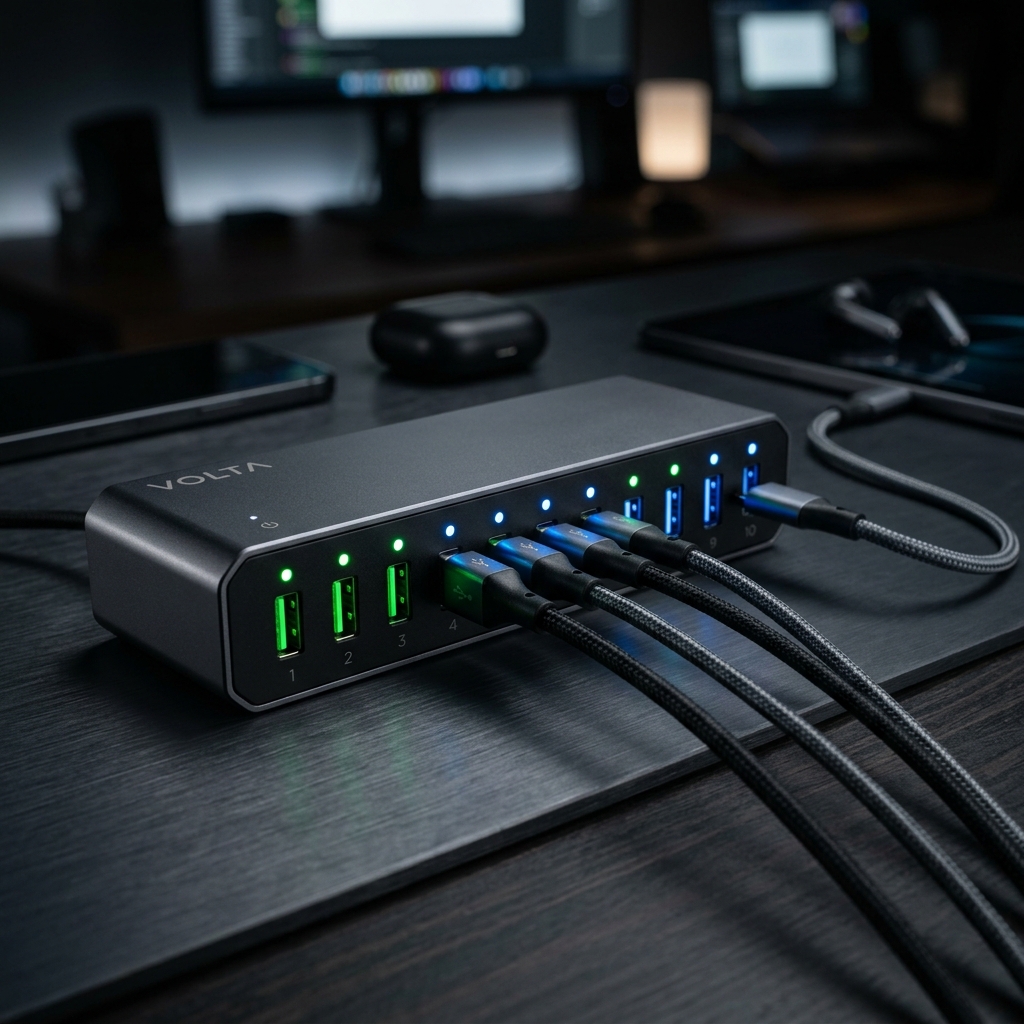
A multi-port USB charging hub with LED indicators for managing phone farm power.
Cooling Solutions
| Scale | Solution | Cost |
|---|---|---|
| 1-10 phones | USB desk fans | $15-30 |
| 10-25 phones | Standing fan + open rack | $50-100 |
| 25-50 phones | AC unit in dedicated room | $200-500 |
| 50+ phones | Server room HVAC | $1,000+ |
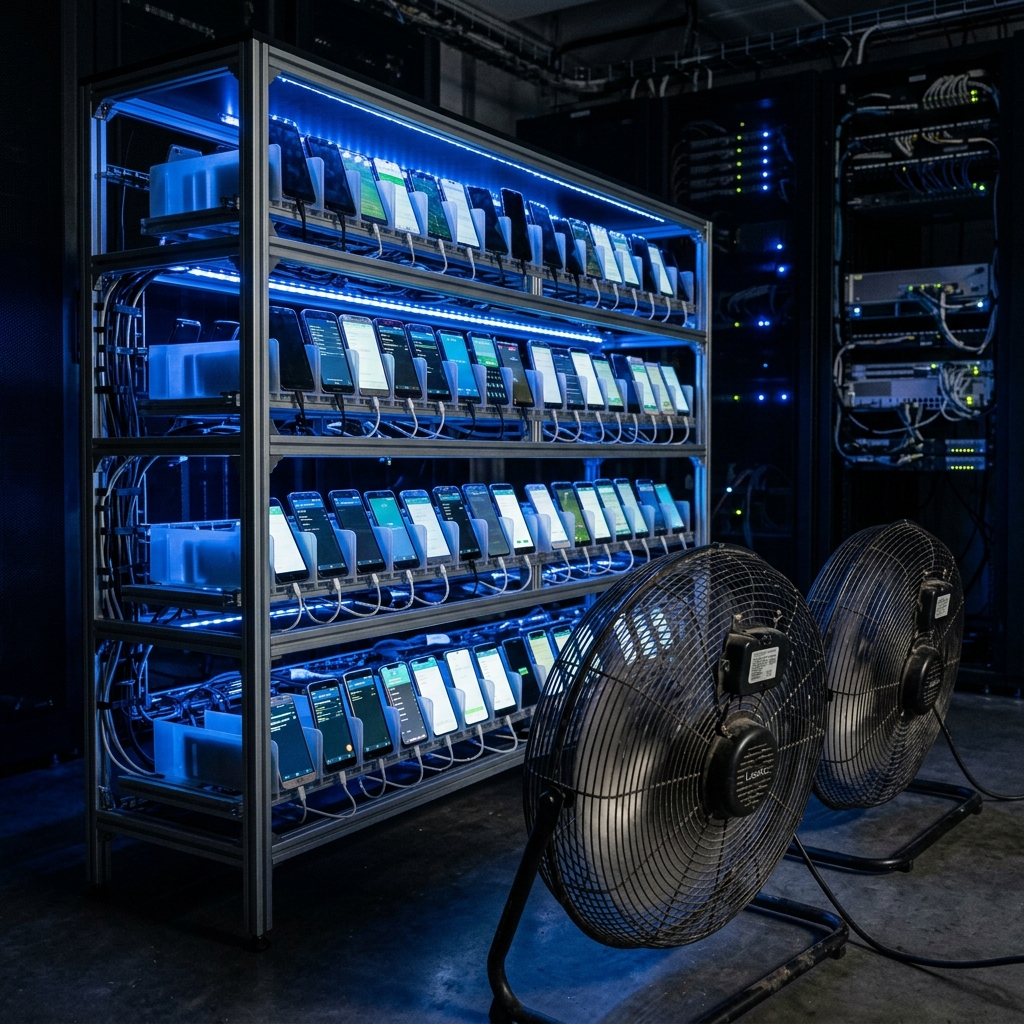
An advanced cooling setup with dedicated fans for consistent airflow across devices.
Keep phones between 20-80% charge to extend battery life. Modern automation software can be configured to pause when battery drops below threshold. Budget for battery replacements every 12-18 months.
Software Stack & Automation Tools
The software running on your phones determines what actions you can automate and how safely you can execute them. Your stack needs to handle device control, automation logic, account management, and performance monitoring.
Operating System Options
| OS | Pros | Cons | Best For |
|---|---|---|---|
| Stock Android | Easy setup, familiar | No profile isolation | Beginners, 1:1 phone:account |
| GrapheneOS | Multi-profile isolation, maximum privacy | Pixel-only, learning curve | Pro operators, 3-5 accounts per device |
| LineageOS | Wide device support | Variable stability | Budget devices, advanced users |
Automation Engines
- Managed SaaS (ShadowPhone, etc.): Complete platform with GUI, scheduling, analytics. Easiest to use. $77-497/month depending on scale. Zero coding required.
- ADB Scripting (Custom): Write your own automation with Python + ADB. Full control but requires programming skills. Free but time-intensive.
- Macro Apps (AutoInput, Tasker): On-device automation with visual workflows. Middle ground between SaaS and custom. Moderate learning curve.
Recommended starter stack: Stock Android or GrapheneOS + ShadowPhone automation + scrcpy for device management. Total software cost: $77-197/month for 5-25 devices. This gives you enterprise-grade automation without writing code.
Physical Organization & Device Management
A well-organized phone farm is easier to maintain, troubleshoot, and scale. The difference between a professional operation and a tangled mess comes down to planning your physical infrastructure from day one.
Cable Management
- Short USB cables: Use 6-12" cables to minimize tangle. Longer cables are rarely needed.
- Cable trays: Run cables through horizontal trays, not hanging loose.
- Velcro ties: Avoid zip ties—they make reconfiguration harder.
- Spare cables: Keep 10-20% extra cables ready for replacements.
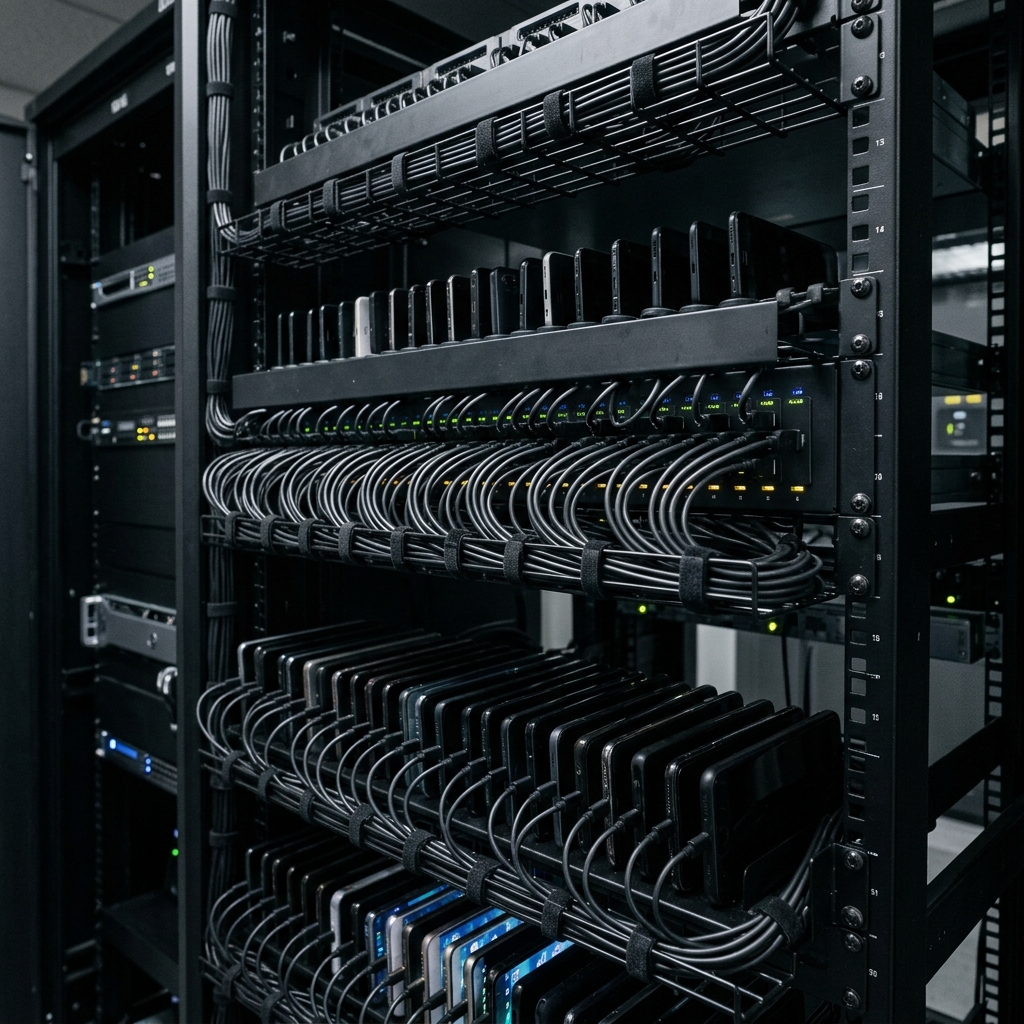
Professional-grade cable management keeps your operation maintainable at scale.
Take photos of your initial clean setup from multiple angles. When cables inevitably get messy during troubleshooting, you'll have a reference for the "correct" configuration.
Scaling: From 5 to 50+ Devices
Scaling a phone farm isn't just buying more phones. Each scale milestone introduces new challenges in management, network, power, and operations. Here's how to grow systematically.
Starter Farm (5-10 Devices)
Goal: Learn the fundamentals and prove your monetization strategy.
- Start with 5 phones, identical models
- Use home WiFi or 5 SIM cards
- Focus on one niche to learn patterns
Small Operation (10-25 Devices)
Goal: Develop repeatable processes.
- Dedicated charging infrastructure
- Add active cooling
- Document all processes (SOPs)
Medium Operation (25-50 Devices)
Goal: Optimize efficiency.
- Dedicated room with AC
- Multiple MVNO contracts
- Backup power (UPS)
Large Operation (50+ Devices)
Goal: Enterprise-grade infrastructure.
- Dedicated server room
- Enterprise HVAC
- Hire part-time operator
Never more than double at once. Going from 5 to 10 is manageable. Going from 5 to 50 creates cascading failures you can't troubleshoot. Grow incrementally.
Cost Breakdown & ROI Analysis
Startup Costs by Scale
| Item | 5 Phones | 25 Phones | 50 Phones |
|---|---|---|---|
| Phones (used Pixel 4a) | $500 | $2,500 | $5,000 |
| Charging infra | $50 | $200 | $500 |
| Racks & org | $30 | $150 | $400 |
| Cooling | $20 | $100 | $500 |
| Total Setup | $600 | $2,950 | $6,400 |
Monthly Operating Costs
| Item | 5 Phones | 25 Phones | 50 Phones |
|---|---|---|---|
| SIM cards/data | $75 | $375 | $750 |
| Software | $77 | $197 | $497 |
| Electricity | $10 | $40 | $80 |
| Total Monthly | $162 | $612 | $1,327 |
A 25-phone farm running theme pages can generate $3,000-8,000/month in affiliate, shoutout, and ad revenue. With $612/month operating costs, that's a 5-13x ROI. Payback on initial investment typically occurs within 2-4 months.
Common Mistakes to Avoid
- Using datacenter IPs: Instant detection. Always use residential or mobile.
- Ignoring warm-up: New accounts need 2-4 weeks of gradual activity before automation.
- Cheap emulation: Budget cloud phones using software emulation get detected.
- No device isolation: Multiple accounts on same device profile = linked bans.
- Skipping cooling: Phones running 24/7 without cooling fail within months.
Frequently Asked Questions
Q: How many accounts can I run per phone?
With GrapheneOS, you can run 3-5 isolated profiles per Pixel device. Each profile has a completely separate Android environment with its own Instagram app installation, cookies, and device fingerprint. Without profile isolation, stick to 1 account per phone for safety.
Q: Is phone farming legal?
Phone farming itself is completely legal—it's just operating multiple phones. However, automated activity violates Instagram's Terms of Service, which can result in account bans. This is a civil matter, not a criminal one.
Q: How long do phones last in a farm?
With proper cooling and charge management (charging between 20-80%), phones typically last 2-3 years of 24/7 operation. Expect to replace batteries every 12-18 months ($20-40 per device).
Conclusion
Phone farms represent the only reliable method for Instagram automation in 2026. While they require more upfront investment than cloud solutions, the dramatically higher account survival rates make them the clear choice for serious operators who value long-term success over short-term convenience.
The path forward is clear: start small with 5 devices to learn the fundamentals, prove your monetization strategy, then scale systematically as revenue grows. Every successful 100-phone operation started with a handful of devices on a desk somewhere.